Choose Pages > hover over Home and choose Edit.
The slide show is directly below blue Launch PAGE BUILDER button. Choose “Add to gallery” > click on as many images as you need > Select > Update in upper right corner.
You can drag and resort images.
Choose Pages > hover over Home and choose Edit.
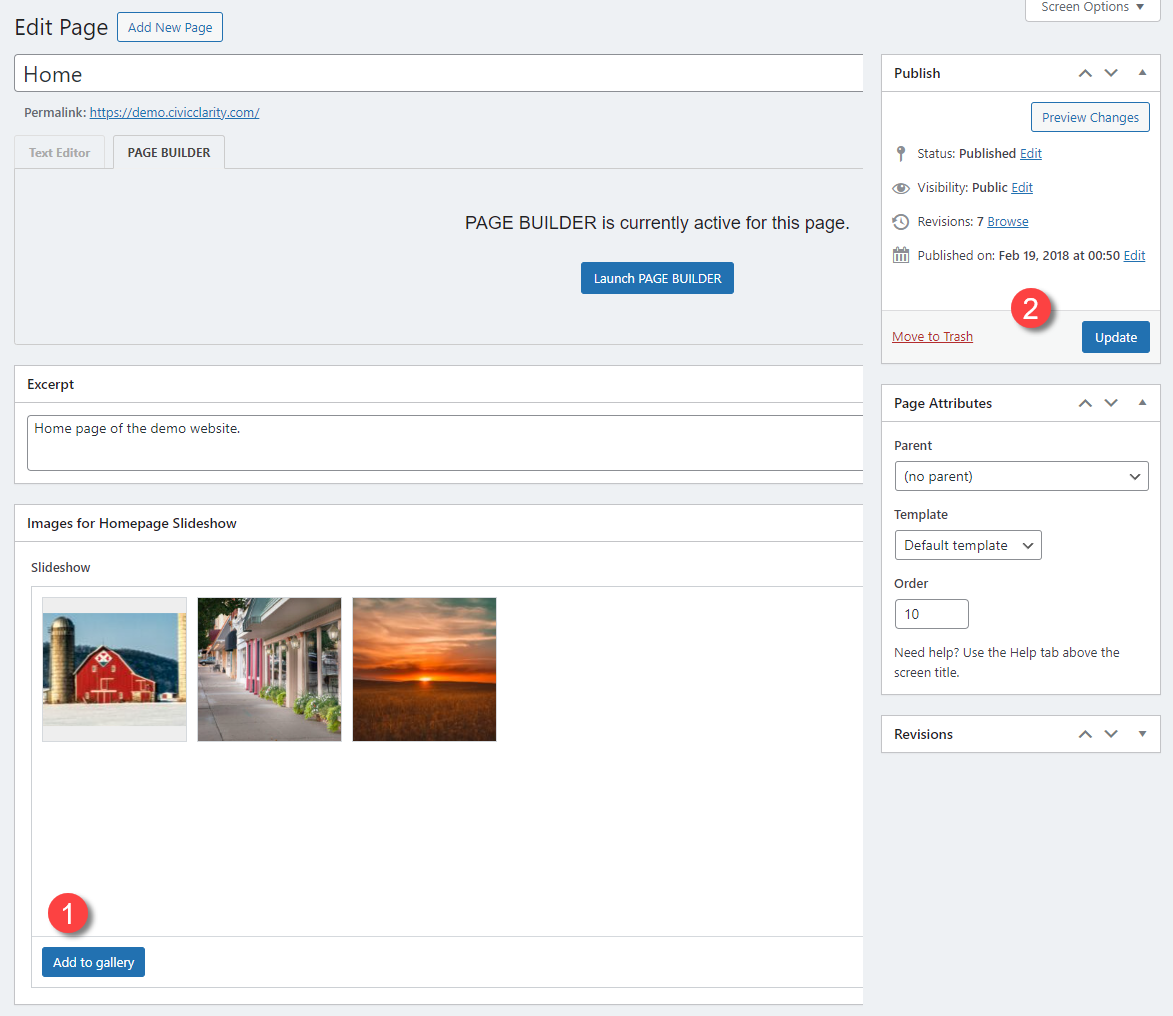
The slide show is directly below blue Launch PAGE BUILDER button. Choose “Add to gallery” > click on as many images as you need > Select > Update in upper right corner.
You can drag and resort images.